
How it works
Burton is a kiosk-style operating system for a team workspace: a web application plus the backend that keeps it running. Rabun is the headless engine. Together they run in the cloud, on your own machines, or fully offline.
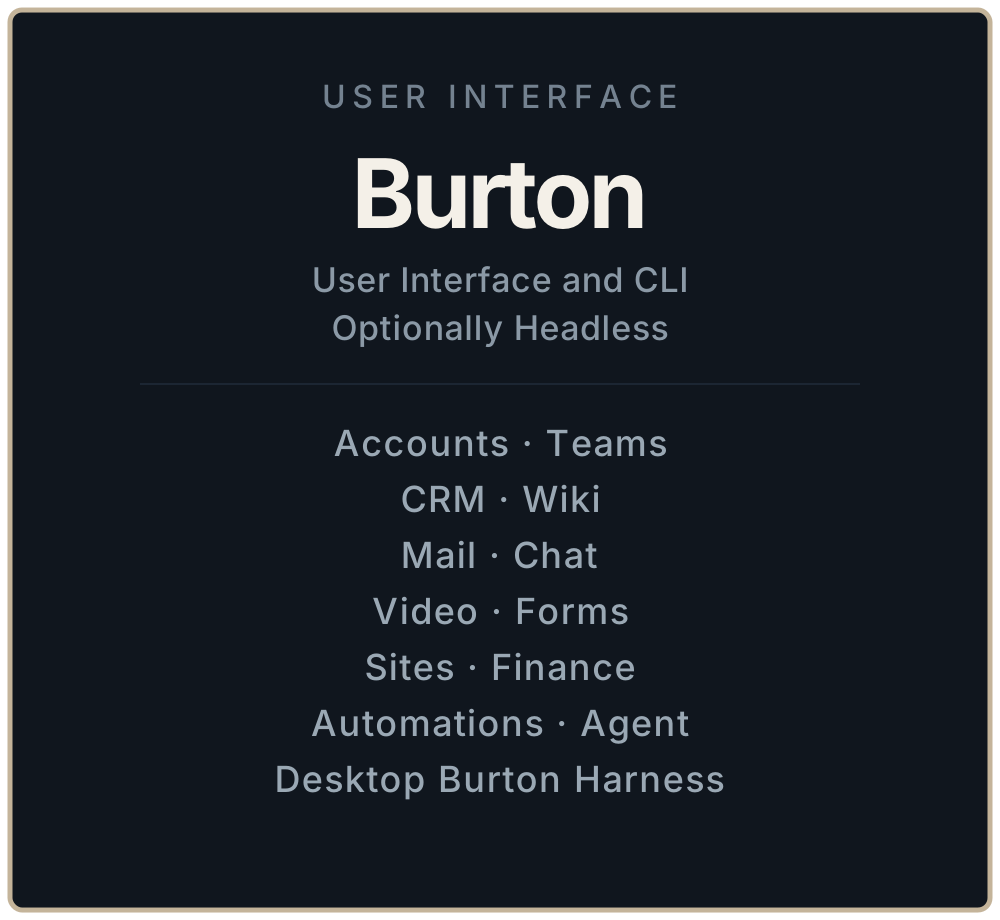
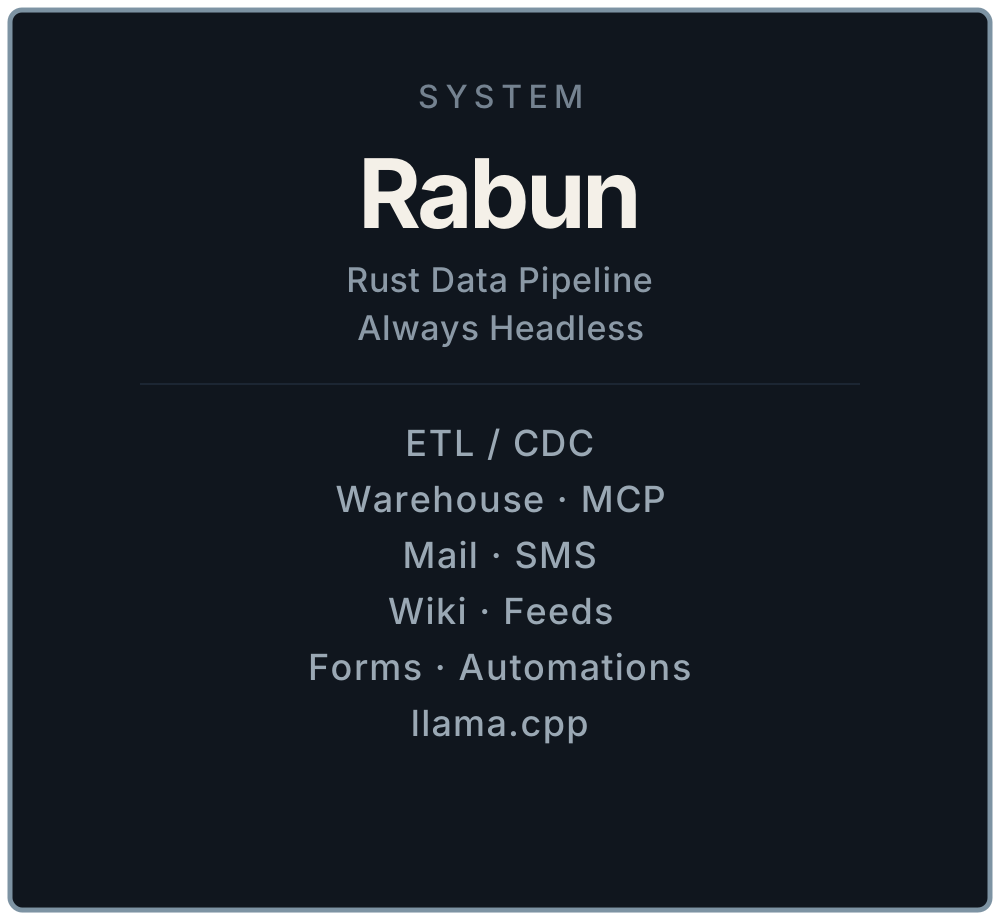
Burton Workspaces is two products on one host. Burton is the screen. Rabun is the engine.
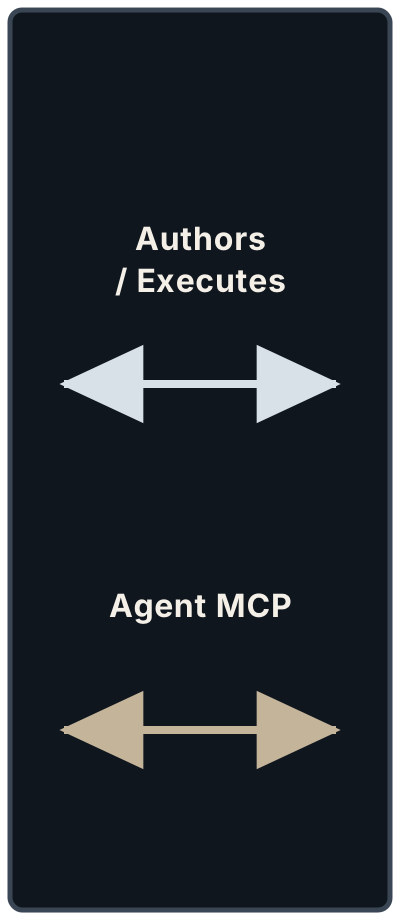
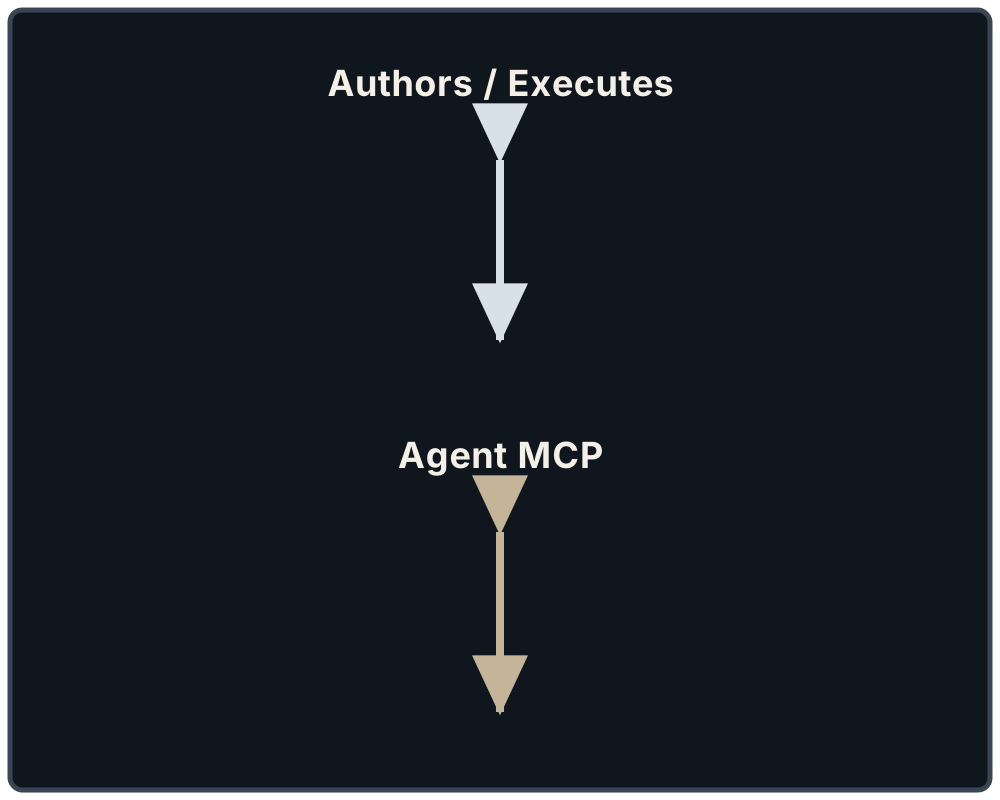
Burton authors records, wiki pages, and workflow YAML. Rabun executes side effects, warehouse ETL, and agent tools. Secrets stay on workers. Burton HTTP stays session-cookie only.
A kiosk operating systemThe host is an appliance: it runs the Burton web app and the backend beside it, not a general desktop.
Treat Burton as a kiosk-style OS. The machine exists to run the Burton web application and the backend that supports it. People walk up to a browser, a fullscreen window, or the Desktop Burton Harness and work. They do not administer a pile of unrelated apps on that box.
The harness is a Burton feature: it can take over the display so the host feels like an appliance. Fullscreen mode in the shell does the same job on a laptop or a wall screen. Underneath, Bun still serves the React UI and the session APIs. Rabun still runs beside it, with no workspace of its own.
Burton can also run headless — CLI and files, no screen — when you only want the corpus and the APIs. Rabun is always headless.
Authors and executesThe middle box: Burton writes the system of record; Rabun and workers run it. The Agent pane talks to Rabun.
The middle box is the contract:
- Authors / Executes — Burton writes the system of record (Postgres rows, human wiki pages, workflow versions). Rabun and sibling CLIs claim that work, talk to providers, and write status back.
- Agent MCP — the Agent pane lives in Burton. The model and tools run on Rabun (MCP on
127.0.0.1:8080, optional local llama.cpp from the Tallulah catalog).
Workers never need a Burton session cookie. Burton never stores Twilio tokens, Stalwart admin passwords, or Slack credentials. It stores identifiers and env key names.
Burton — the interfaceWhat you face in the workspace: CRM, wiki, mail, sites, automations, the Agent, and Desktop Burton Harness.
Burton is how a team creates, publishes, configures, manages, and communicates. Plugins turn on in Settings. The Agent can do that setup; you verify in Settings and Health.
| You face | What it is for |
|---|---|
| Accounts, teams, CRM | People and organizations the workspace is about |
| Wiki, mail, chat, video | Knowledge and conversation on the same host |
| Forms, sites, finance | Public capture, published pages, and money |
| Automations, Agent | Workflows you author; a pane that talks to Rabun |
| Desktop Burton Harness | Kiosk chrome around the same web app |
Markdown in git is the long-lived corpus. Contacts, jobs, and automations have YAML. The wiki is the team folder those documents land in.
Rabun — the engineHeadless Rust: warehouse ETL, MCP for the Agent, sibling workers, and optional local llama.cpp.
Rabun is a Rust CLI: warehouse ETL from Burton burton_* publications, MCP for the Agent, and a process supervisor for sibling crates. It does not embed Twilio, Slack, or Stalwart. Each external concern is its own binary.
| Piece | Role |
|---|---|
| ETL / CDC | Snapshot and pgoutput into the warehouse |
| Warehouse + MCP | Durable events; tools the Agent can call |
| Mail, SMS, wiki, feeds, forms | Workers that claim SQL or ingest JSONL |
| Automations | Planned worker: Burton authors, Rabun walks the graph |
| llama.cpp | Optional local inference the MCP chat tool can use |
You can run Rabun without a Burton screen: YAML pipelines, a git wiki writer, MCP on stdio or HTTP.
Where it runsSame stack in four places: cloud, your VPC, a single office or basement machine, or fully offline.
The same stack, four places:
| Place | What that looks like |
|---|---|
| Cloud | A droplet or VM behind Caddy. We host a demo at stage.burtonapp.com. You can do the same with one curl. |
| Your infrastructure | Ubuntu in your VPC, your Postgres, your DNS. Tallulah writes Compose or systemd from a deployment.yaml. |
| One machine | An office NUC, a basement server, a spare laptop. SQLite locally, Postgres when you want CDC. |
| Offline / bunker | No internet required for the workspace, wiki, CRM, and local Agent (llama.cpp on the box). Provider workers (Twilio, Slack, public feeds) stay dark until you plug back in. |
Air-gap the host, keep git remotes on a local remote, and the files are still ordinary markdown. That is the point of a kiosk OS that owns its data.
Install and then read the docsOne curl on Ubuntu, then Agent setup. Links into Getting started, Overview, Burton, Rabun, and Tallulah.
curl -fsSL https://www.burtonapp.com/install.sh | bashThen open the Agent (Mod+Shift+A) and ask it to enable plugins. Confirm what changed.